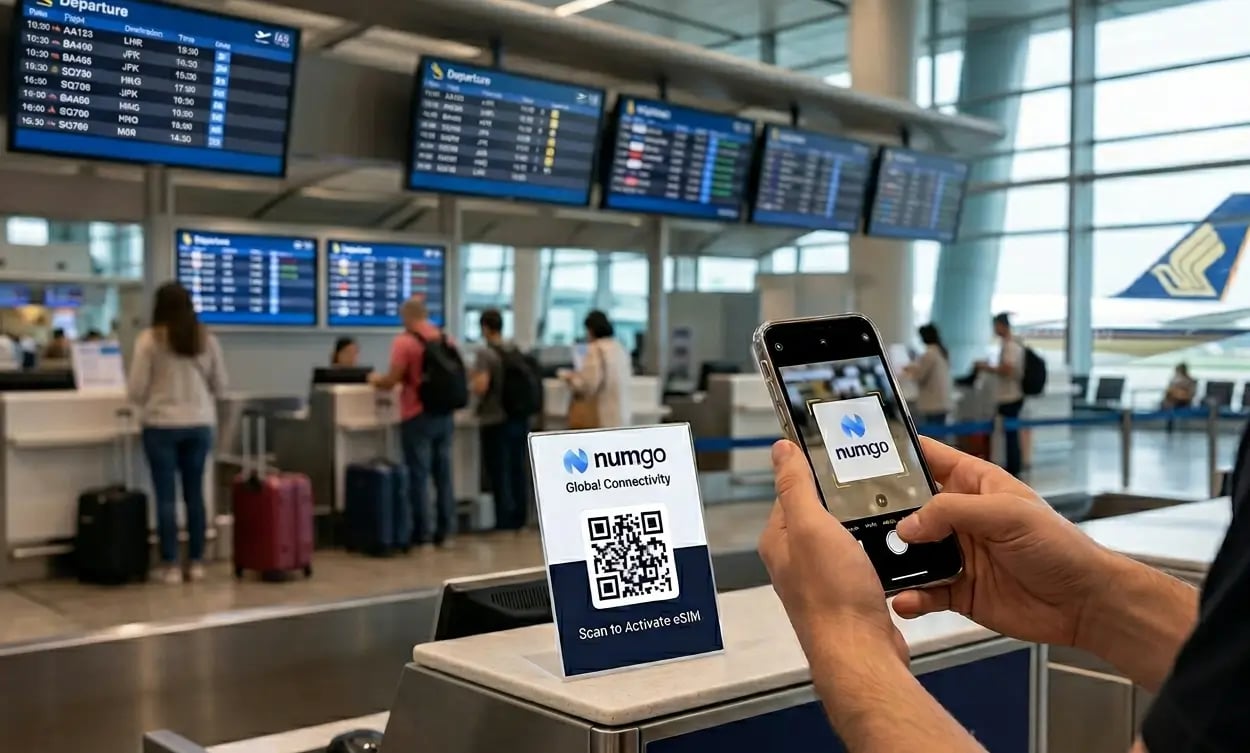
eSIM for Travelers, Digital Nomads, and Freelancers: Everything You Need to Know
How to forget about connectivity problems once and for all
Why Do You Need eSIM When Traveling?
When was the last time you thought about connectivity in advance, rather than frantically searching for wi-fi or a carrier store at the airport? eSIM is exactly the tool that eliminates this headache once and for all.
Every trip abroad isn't just about hotels and flights. You also need to figure out connectivity. And while accommodation is pretty straightforward (Booking, Airbnb — just pick and book), travelers constantly run into the same issues with connectivity.
- Requires registration or residence permit
- Figuring out plans without knowing the language
- Finding a carrier store is a whole quest
- Easy to lose or break
- Wastes time during your trip
- Install in advance, at home
- Activates when you enter the country
- Just scan a QR code
- Global plans for multiple countries
- Internet already on the plane
Local vs Global Plans: What's the Difference?
The main difference is coverage area. Everything else (installation, management, top-ups) works the same for both types.
Imagine: you're traveling through Southeast Asia across 4–5 countries. Instead of buying a separate card in each country, just get one regional plan — and forget about the hassle.
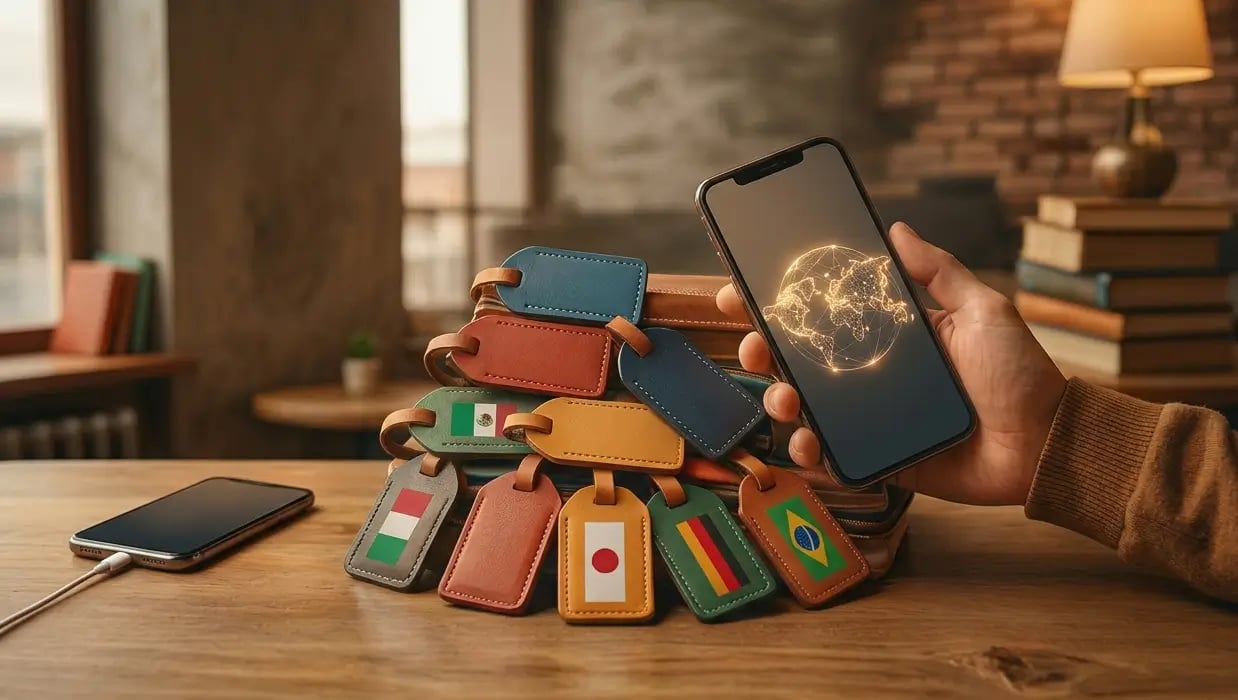
Multiple eSIMs on One Phone — Is It Real?
Yes, and it's one of the most convenient features. Most modern smartphones support multiple eSIM profiles simultaneously.
- 📲
- 📦All purchased eSIMs are stored in the Numgo app and available offline — without internet. Just open the app, select the card you need, and activate it in a minute.
- ✈️Already on the plane, train, or bus, you can message your family on WhatsApp or Telegram — without waiting to land and find wi-fi.
How to Avoid Overpaying: Tips for Frequent Travelers
Straight to the point — here's proven logic for choosing a plan based on your situation.
About Unlimited — Honestly
If you're working remotely while traveling and need constant internet — video calls, Zoom, file uploads — unlimited makes sense. But keep in mind: most such plans throttle speed to ~1 Mbps after 3 GB per day. That's enough for messengers and email, but not for video.
Watch the Expiration Date
Some plans expire N days from activation, not from purchase. Don't activate the card early — only when you actually need it.
Buy in Advance, Not at the Airport
You can buy and install an eSIM days or even weeks before your trip. Especially convenient if you want to figure everything out calmly, without rushing before boarding.
Common eSIM Problems and How to Fix Them
Everything usually works flawlessly, but here's what to do if something goes wrong.