Why You're Not Receiving OTP Codes on a Virtual Number — and How to Fix It
A complete guide to the reasons behind SMS verification failures and proven ways to resolve them.
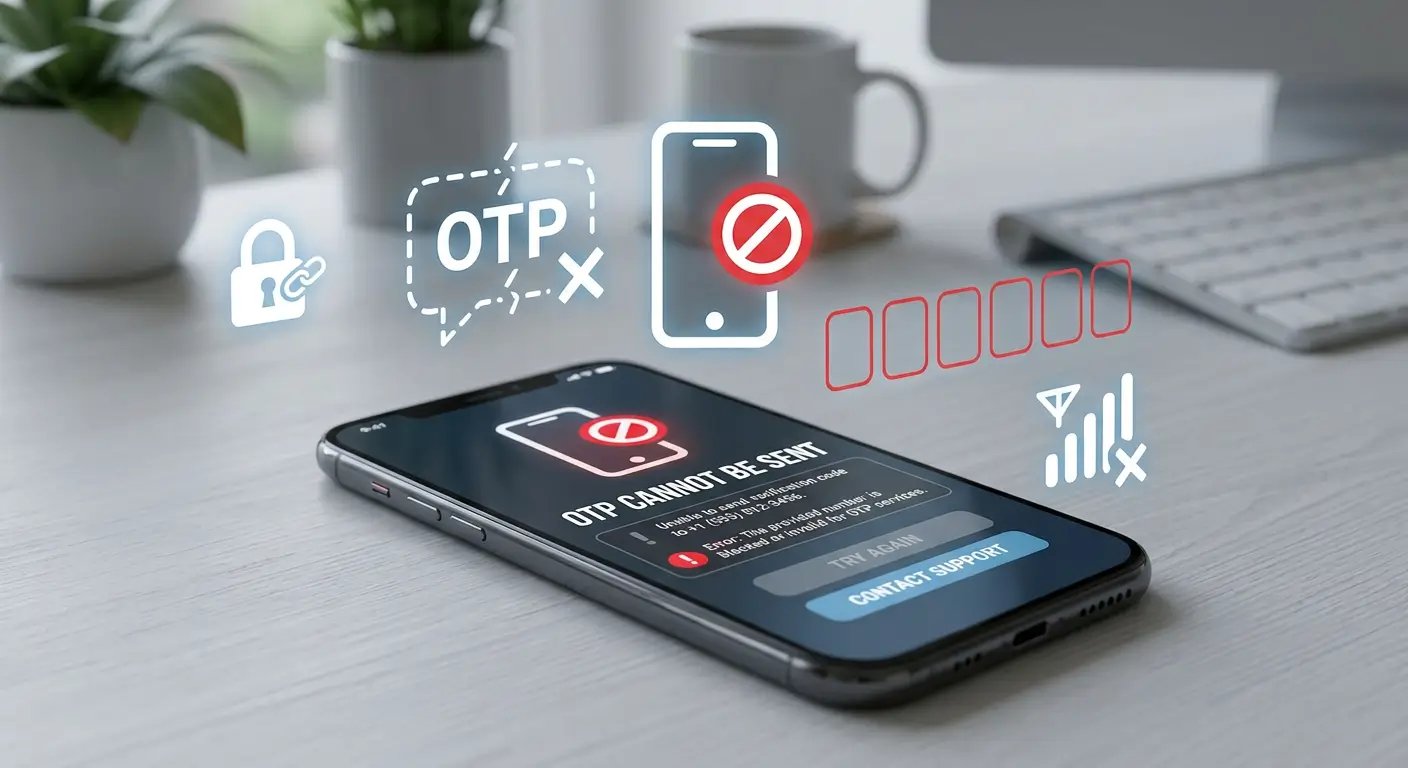
OTP (One-Time Password) is a single-use code that services send to your phone number to confirm a login or registration. Technically, delivering an SMS to a physical number (via SIM card) and to a virtual number (operating over the internet) is identical — there is no difference in the delivery mechanism.
Why does this happen? Large platforms actively fight fraud, spam, and fake account creation. On top of that, sending SMS messages is expensive — for major services, monthly SMS verification costs can run into the millions of dollars. As a result, companies apply various algorithmic filters that may block code delivery to your number.
Below are all the common causes and concrete steps to fix them.
Reasons OTP Codes Are Blocked
Some services treat numbers tied to a specific region or state as landline numbers — meaning they don't support SMS. This is especially common with US and Canadian numbers, where mobile and fixed-line numbers share the same country code but are classified differently by carriers.
Free and cheap VPN services rely on shared IP addresses that are frequently blacklisted due to mass spam or abuse by other users on the same server. When a site detects such an IP, it automatically blocks code delivery.
Many services check whether the country of your phone number matches the country of your IP address. If you're registering a Canadian number while physically located in Brazil, the system flags this as suspicious behavior and withholds the code.
Some messengers and social networks — especially those originally built as mobile-only apps — do not send OTP codes when you register through a desktop browser. This is a common cause of issues with Telegram, Instagram, Snapchat, and similar services.
Most virtual numbers can be easily identified as VoIP through carrier database lookups (HLR queries). For banks, payment platforms (PayPal, Revolut, Stripe), and other financial services, accepting codes on VoIP numbers is deliberately disabled as a security requirement.
How detectable a number is depends on the country and provider. US, Canadian, and Czech numbers are almost always flagged as virtual. Numbers from certain other countries are much harder to identify.
Your IP address, browser, or device may have been quietly added to a blacklist due to spam, multiple registrations, or other suspicious activity in the past. Services don't announce this — everything appears to work normally, but codes simply never arrive.
A shadow ban can only be identified indirectly — for example, if codes stop coming even after switching to a different number and retrying.
Most services limit how many OTP codes can be requested within a given time window. If you've made several attempts in a row — even with different numbers — the system may temporarily block further requests for your account or IP.
Many platforms use anti-fraud systems that evaluate the reputation of your IP address before deciding whether to send an OTP code. If your IP has been associated with spam, abuse, automated registrations, datacenter traffic, or suspicious activity in the past, the service may silently block SMS verification requests.
In this situation, the phone number itself is often fully functional — the OTP is never sent because the request is rejected before the SMS is generated.
Quick Checklist
- ✓Check service availability on the supported platforms page before purchasing a number
- ✓Use a mobile number (e.g. UK, PL, AU) rather than a local regional one
- ✓Make sure your IP address country matches the country of your number
- ✓Use a reliable paid VPN with a dedicated or clean IP address
- ✓Register from a mobile device, not a desktop browser
- ✓If it fails — try a new browser, incognito mode, or a different network
- ✓Don't request codes too frequently — allow some time between attempts
- ✓Check your IP reputation and fraud score if codes are not being sent despite using a supported number